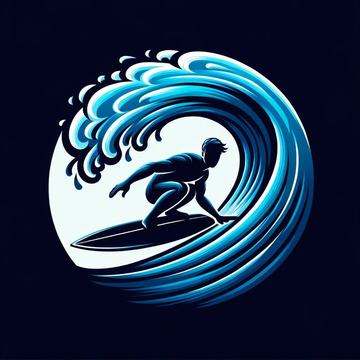
Just drag and drop.
DALL-E 3 and ChatGPT Vision do the work 🧵 for you:
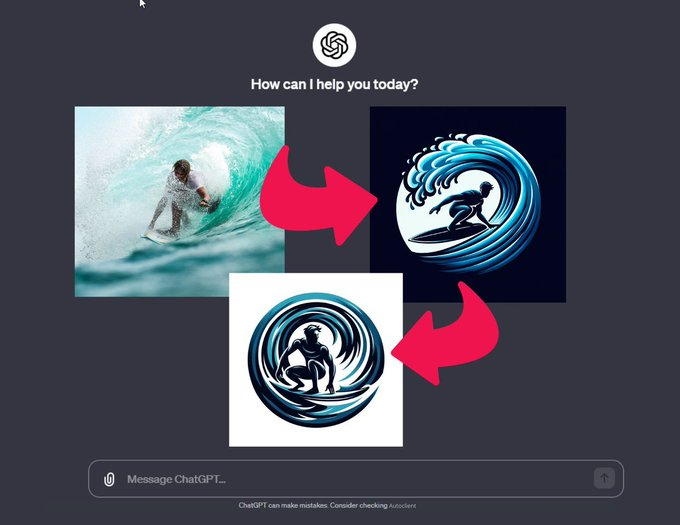
Step 1
– Go to ChatGPT
- Open a new tab in your browser and select Images
- Drag and drop the image and the following prompt appears: Can you describe this image
Step 2
- Just type this prompt: “Create a logo with the description that you just provide”
- Please wait for the results……
Step 3
- Repeat the operation with the first prompt
It will make the logo “evolve”.
In this example, I did it 3 times in a row.
Every time, I get a very effective logo variation.
This technique is called a recursive improvement loop.
ChatGPT Vision and DALL-E 3 are a powerful combination for creating professional logos.
Final presentation: